Dashboard tour
After you sign in, the dashboard is your home base. Here's what each section does.
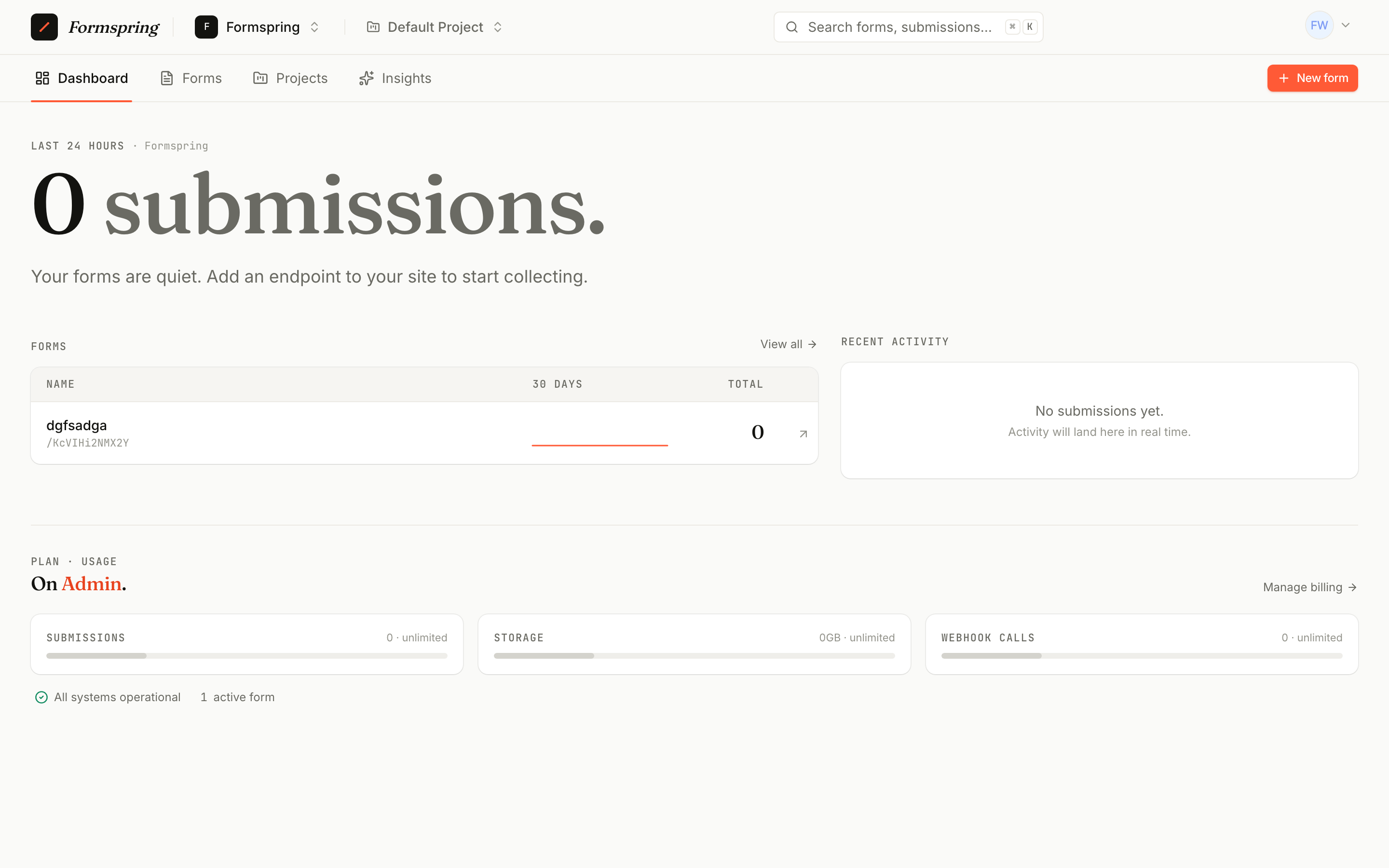
Forms
Lists every form in your team. Tabs filter by Active (live), Draft (hosted forms not yet published), and Archived (soft-deleted). Each row shows the endpoint URL, last activity, and submission count.
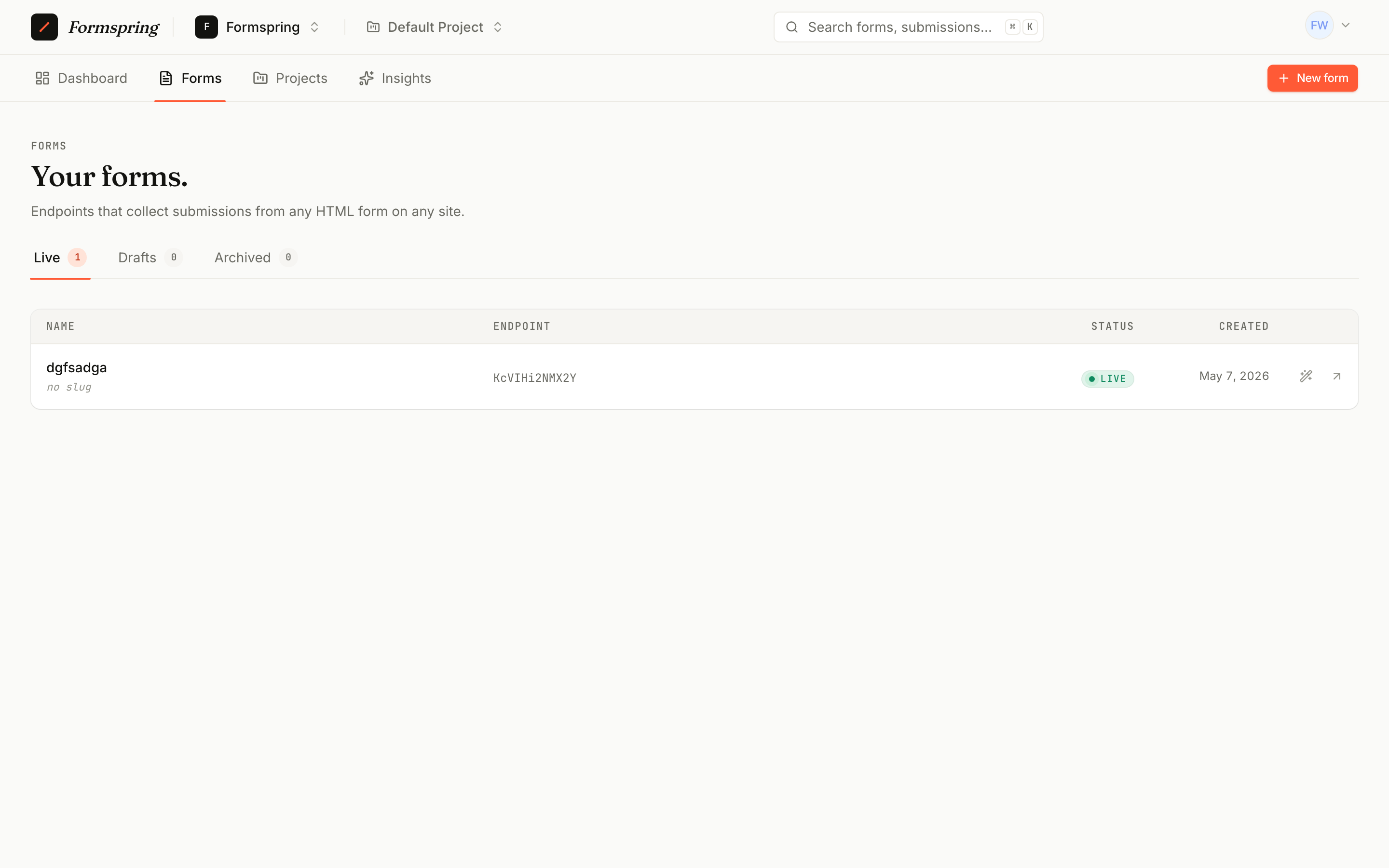
Click a form to open its detail page — that's where you go to edit, view submissions, set up webhooks, configure spam protection, or design the hosted version.
Submissions
Every form has its own inbox. The Inbox tab shows clean submissions; Spam shows what the spam stack flagged. Each submission expands to its full payload, file attachments, and metadata (IP, user agent, referrer).
Bulk actions let you mark, restore, or delete multiple submissions at once. Export to CSV or JSON for offline work.
Webhooks
Per-form. Each webhook has a destination URL, an HMAC signing secret (shown once on creation), and an event filter. The delivery log shows status, response, and latency for the last 200 attempts. Failed deliveries can be replayed with one click.
API
Your personal access tokens. Each token is scoped to a list of abilities (forms:read, submissions:write, etc.) and revocable in one click. Use these for the REST API, the MCP server, or anywhere else you need machine access.
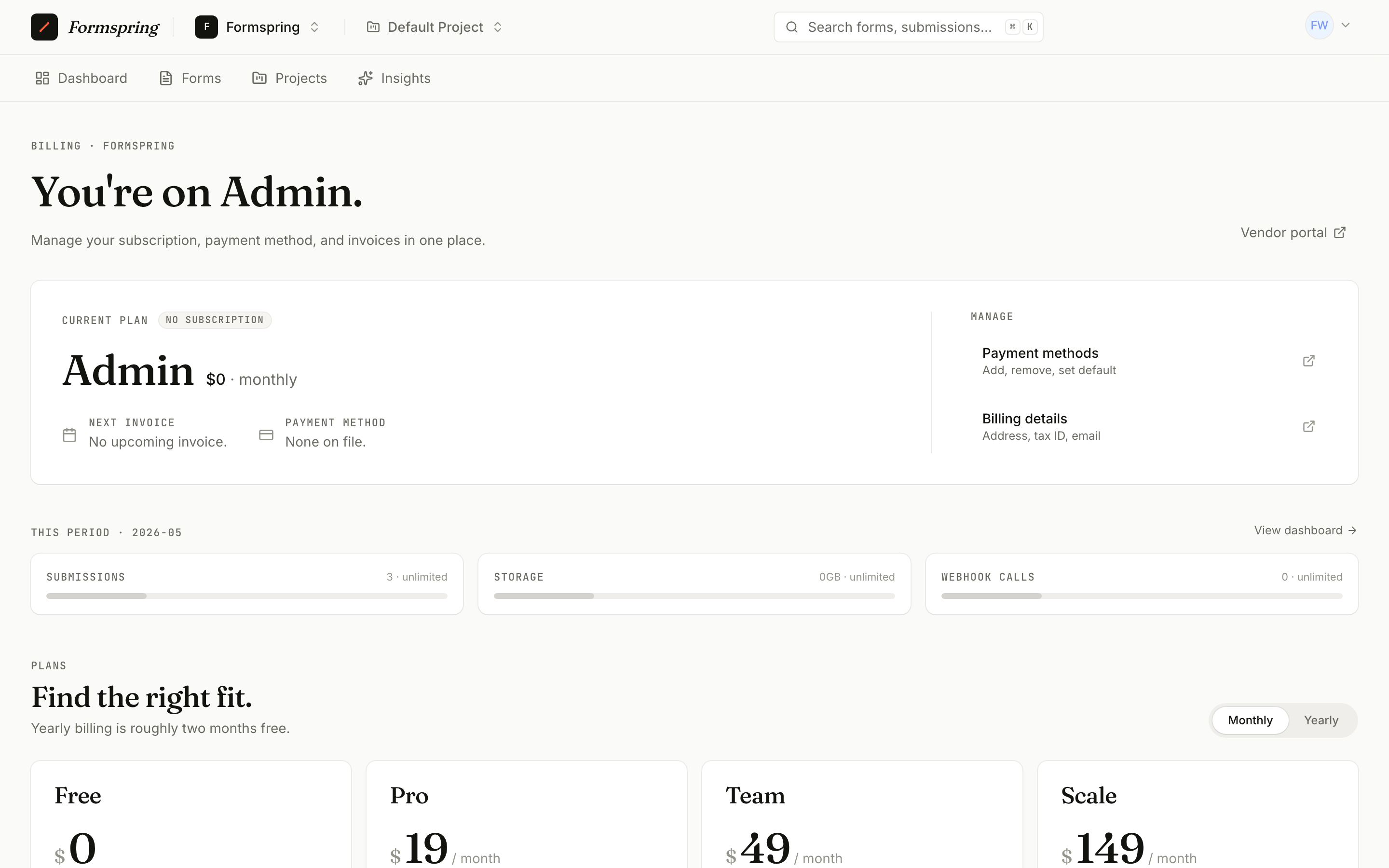
Billing
Plan tier, current usage, invoices, and payment methods. Upgrades and cancellations happen here.
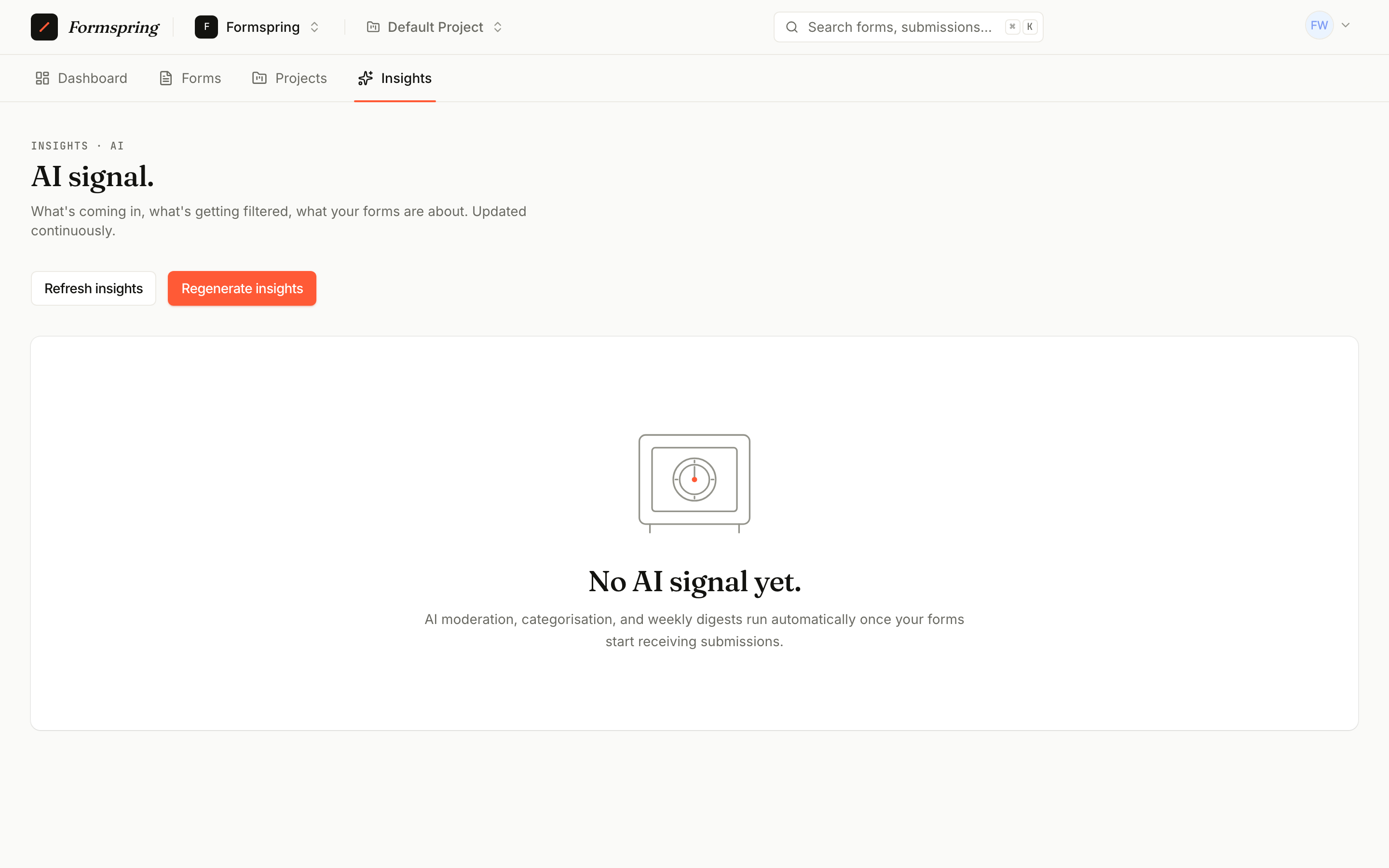
AI insights (Pro+)
Form-level analytics generated from a weekly digest. Categories, spam reasons, score distributions, and a free-text summary of what landed in your inbox this week.
Profile
Your account: password, two-factor, passkeys, and active sessions.